
The Kitten Roster
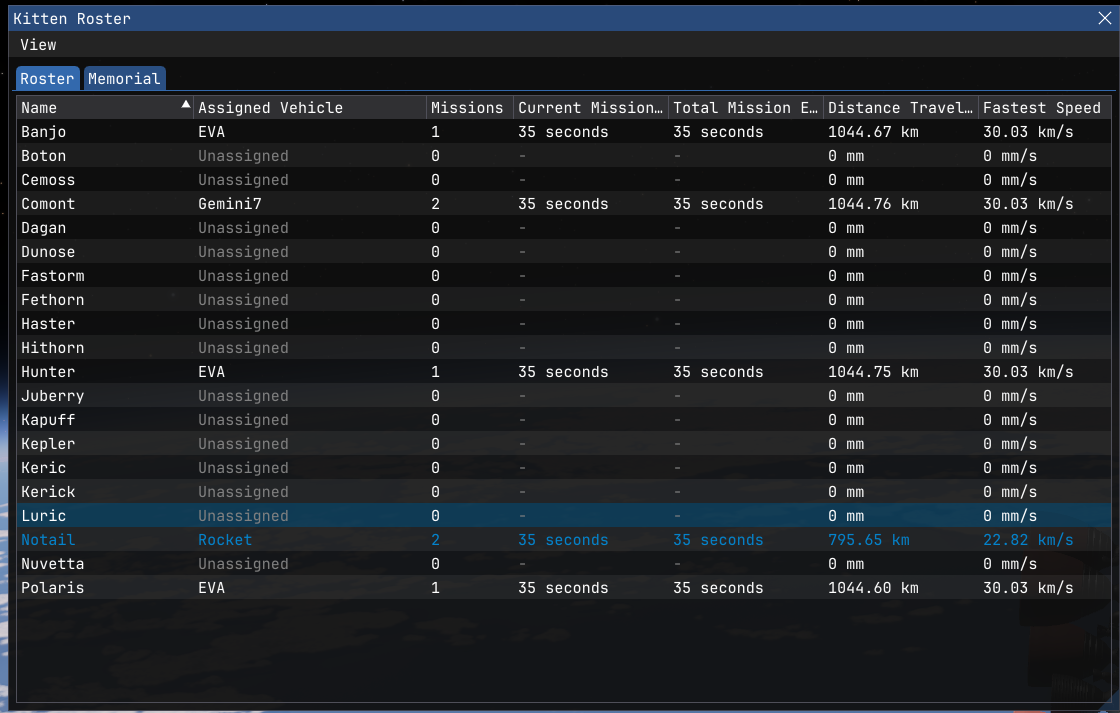
Every kitten in your program now lives in the Kitten Roster, accessible straight from the Universe topbar menu.At a glance it shows:
- Which vehicle (if any) a kitten is currently assigned to, double-clicking an entry will jump the camera straight to them.
- Mission Count, how many separate missions each kitten has flown.
- Current Mission elapsed time, for whoever's actively out there right now.
- Total Mission time, banked up across each kitten's whole career.
- Total Distance Travelled, banked up across each kitten's whole career.
- Fastest Speed reached, banked up across each kitten's whole career..
Assigning Kittens
In the Vehicle Editor, the new Crew Assignment window (Editor menu -> Crew Assignment) lists every seat across your entire vehicle and lets you assign a kitten to each one from a dropdown.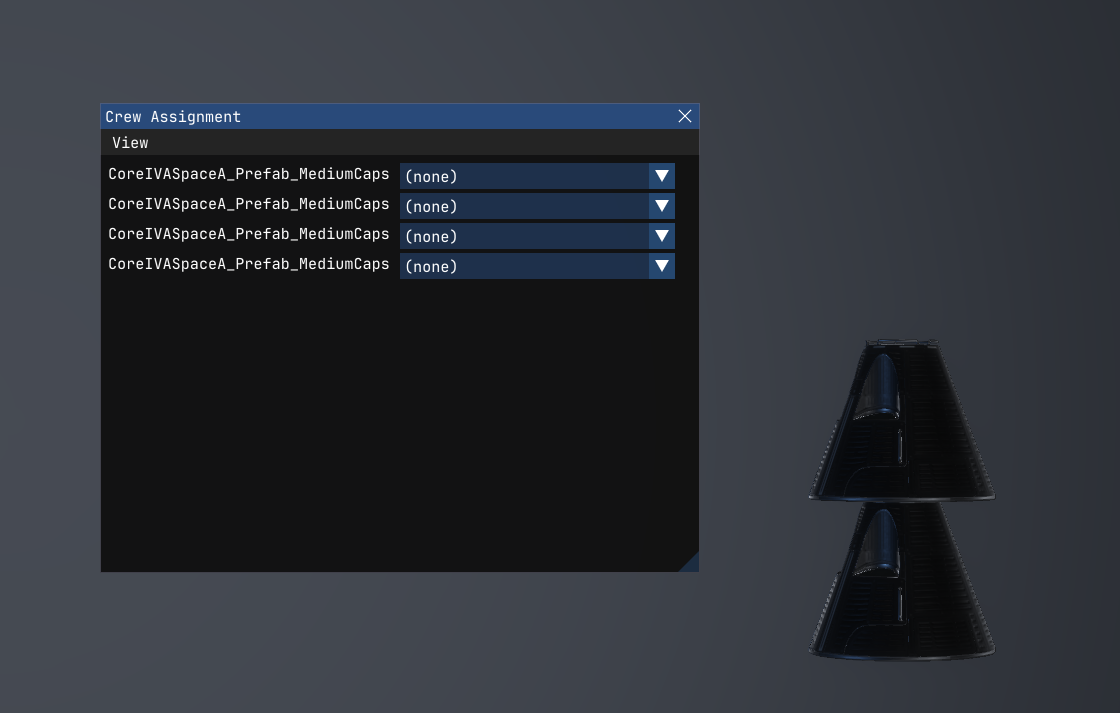
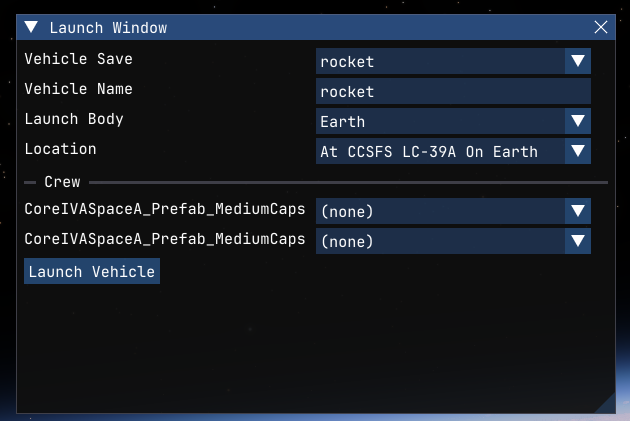
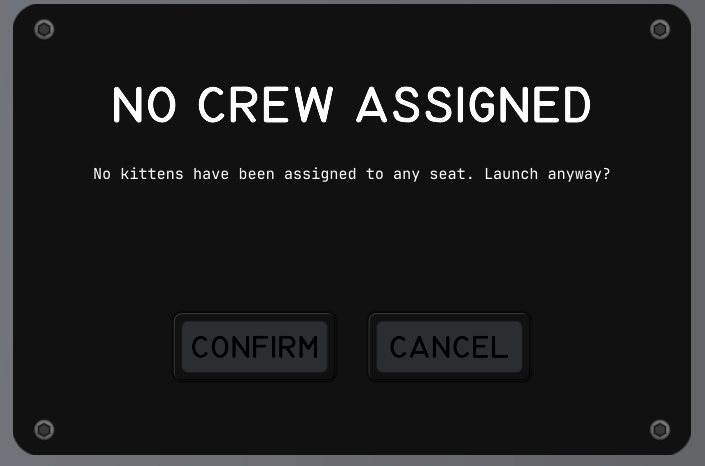
Mission clocks only start once a vehicle actually leaves the pad, not the moment you assign crew in the editor.
Recovering Vehicles
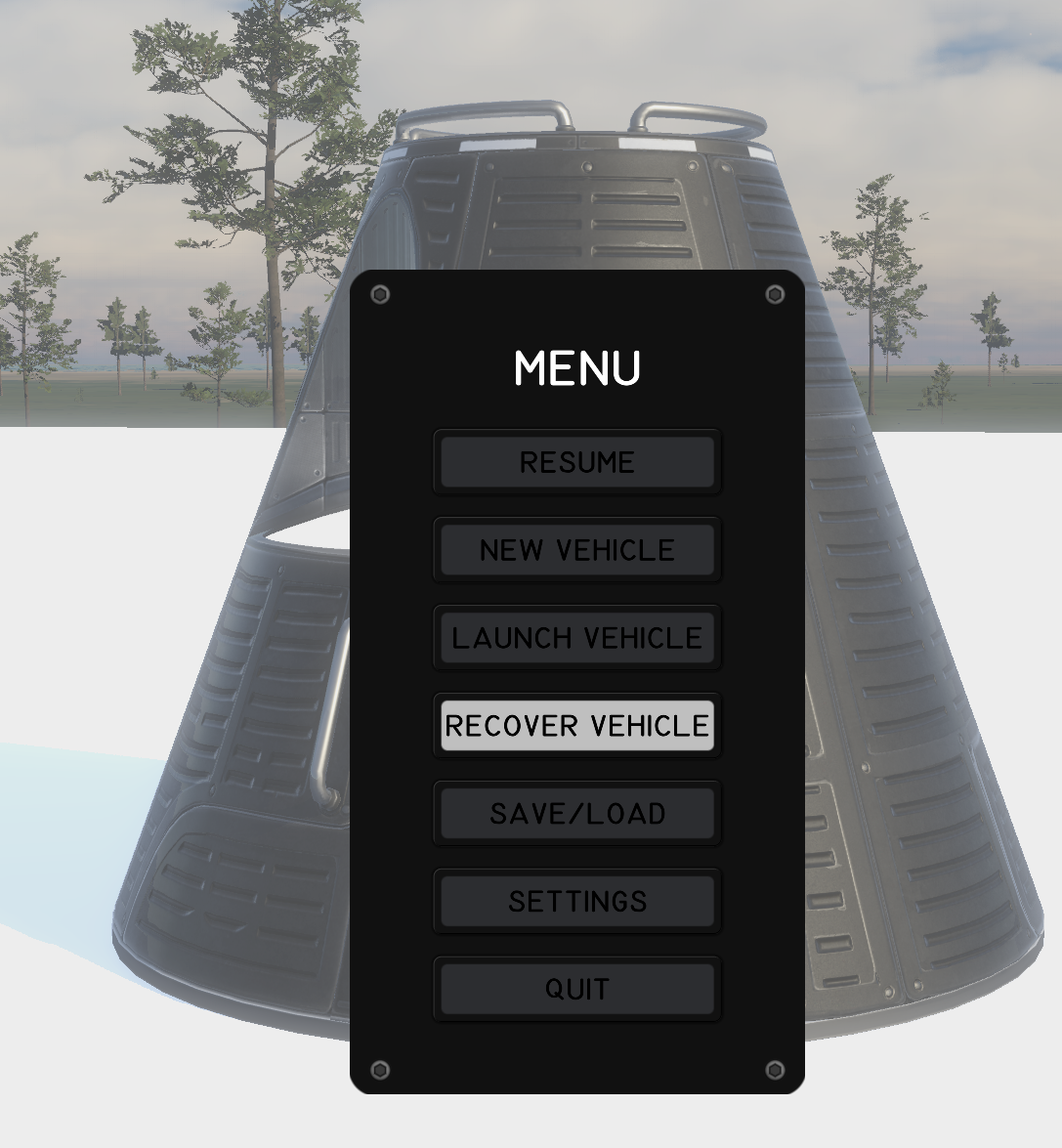
Landed or splashed down back home with nowhere left to go? You can now recover the vehicle instead of just abandoning/deleting it.In the Universe Manifest any vehicle that's settled on the home world's surface (or floating in the ocean) and isn't still moving shows a green tick instead of the usual red "delete" cross.
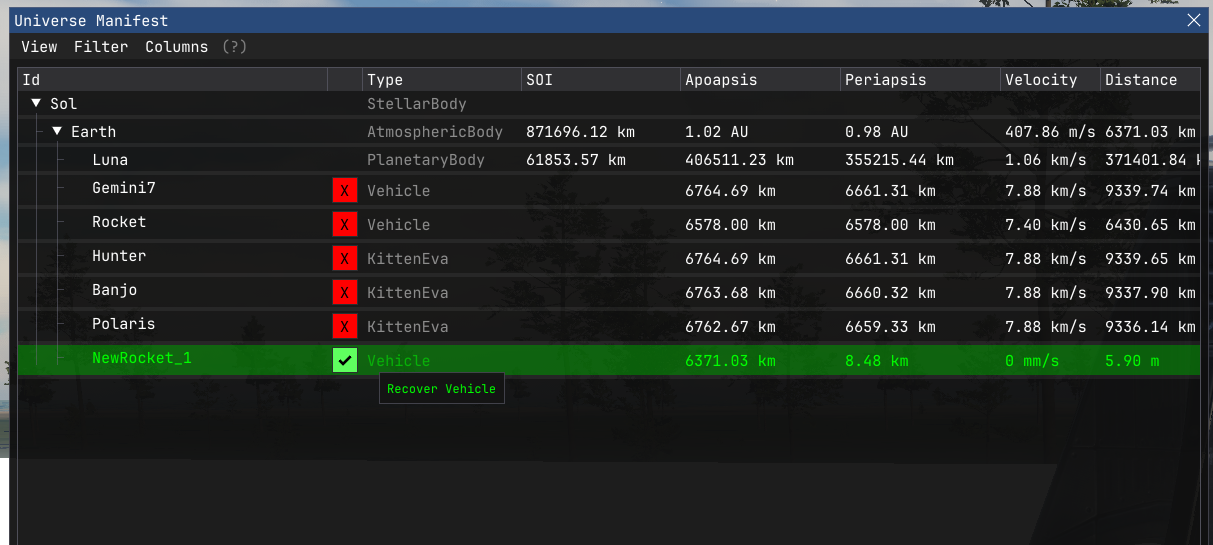
- Any kittens still aboard have their mission ended and are returned to the roster, free to crew up their next flight.
- The vehicle itself is cleared out.
- A "Vehicle Recovered" banner confirms it went through.
Kitten Death
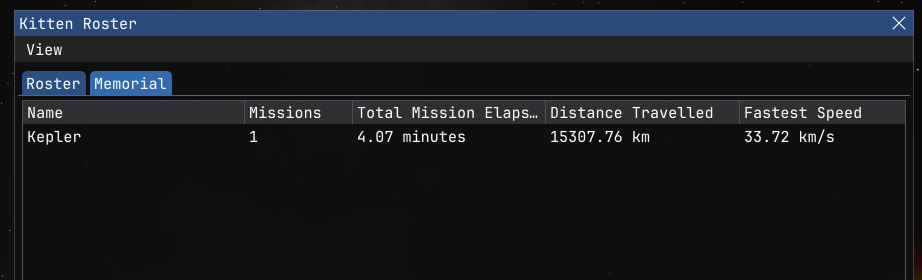
Yes, kittens can die. Before you ask, No, they only have one life.KIA kittens appear in a memorial tab in the kitten roster window.
Read on Ahwoo


