- Oct 10, 2025
- 522
- 446
Game Version
2026.5.7.4397Operating System
Windows 11What Happened
When a part's info window is open, it will remain on screen in every camera mode including IVA and map view.What Was Expected
The part info windows to hide/minimize when in IVA or map view.Reproduction Steps
- Take control of a vehicle in the usual flight / "orbit" camera.
- Right click on a part and select "Open Details".
- Switch to map view or IVA camera.
- Notice the part info window still there.
Reproduction Rate
AlwaysAdditional Info
See here: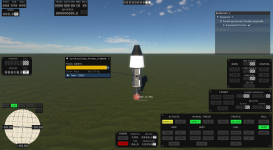
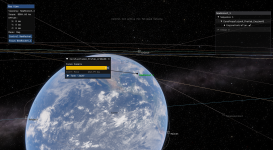
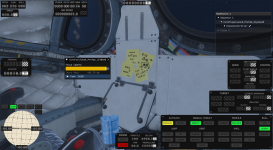

Upvote
1